 eed8e6c29a
This pull request enhances the VS Code Web module by improving how
machine settings are handled and merged, updating documentation to
clarify the settings behavior, and adding robust automated tests for the
new functionality. The most significant changes are grouped below.

**Machine Settings Handling and Merging:**

* Introduced a new `merge_settings` function in `run.sh` that merges
provided settings with any existing machine settings using `jq` or
`python3` if available, falling back gracefully if neither is present.
Settings are now passed as base64-encoded JSON to avoid quoting issues.
[[1]](diffhunk://#diff-c6d09ac3d801a2417c0e3cf8c2cd0f093ba2cf245bad8c213f70115c75276323R7-R54)
[[2]](diffhunk://#diff-c6d09ac3d801a2417c0e3cf8c2cd0f093ba2cf245bad8c213f70115c75276323L31-R76)
[[3]](diffhunk://#diff-0c7f0791e2c2556eb4ed7666ac44534ea3ff5c7f652e01716e5d7b5c31180d92L180-R184)
[[4]](diffhunk://#diff-0c7f0791e2c2556eb4ed7666ac44534ea3ff5c7f652e01716e5d7b5c31180d92R170-R173)
* Updated the `settings` variable in `main.tf` to clarify that it
applies to VS Code Web's Machine settings and will be merged with any
existing settings on startup.

**Documentation Improvements:**

* Updated the README to clarify that settings are merged with existing
machine settings, not simply overwritten, and added a note about the
requirements (`jq` or `python3`) and limitations regarding persistence
of user settings.
[[1]](diffhunk://#diff-24e2e305e46a08f8a30243bdc916241586e4561d97861b4397b14e871f9f085dL54-R56)
[[2]](diffhunk://#diff-24e2e305e46a08f8a30243bdc916241586e4561d97861b4397b14e871f9f085dR72-R73)

**Automated Testing:**

* Expanded `main.test.ts` to include integration tests that verify
settings file creation and merging behavior inside a container, as well
as improved error handling for invalid configuration combinations.

These changes collectively make machine settings management more robust,
user-friendly, and well-documented.
| display_name | description | icon | verified | tags | |||
|---|---|---|---|---|---|---|---|
| VS Code Web | VS Code Web - Visual Studio Code in the browser | ../../../../.icons/code.svg | true |
|
VS Code Web
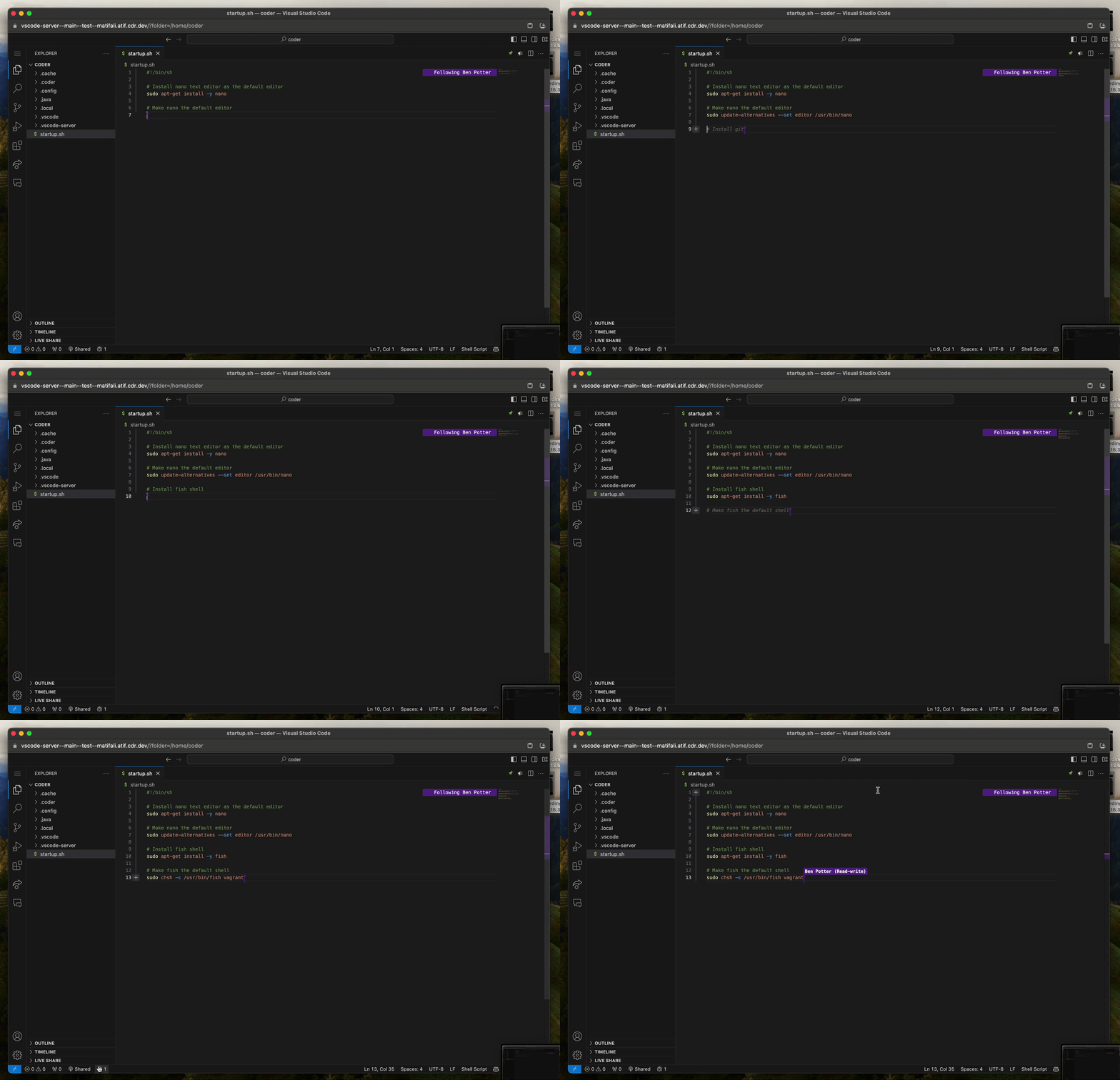
Automatically install Visual Studio Code Server in a workspace and create an app to access it via the dashboard.
module "vscode-web" {
  count          = data.coder_workspace.me.start_count
  source         = "registry.coder.com/coder/vscode-web/coder"
  version        = "1.5.0"
  agent_id       = coder_agent.example.id
  accept_license = true
}
Examples
Install VS Code Web to a custom folder
module "vscode-web" {
  count          = data.coder_workspace.me.start_count
  source         = "registry.coder.com/coder/vscode-web/coder"
  version        = "1.5.0"
  agent_id       = coder_agent.example.id
  install_prefix = "/home/coder/.vscode-web"
  folder         = "/home/coder"
  accept_license = true
}
Install Extensions
module "vscode-web" {
  count          = data.coder_workspace.me.start_count
  source         = "registry.coder.com/coder/vscode-web/coder"
  version        = "1.5.0"
  agent_id       = coder_agent.example.id
  extensions     = ["github.copilot", "ms-python.python", "ms-toolsai.jupyter"]
  accept_license = true
}
Pre-configure Machine Settings
Configure VS Code's Machine settings.json. These settings are merged with any existing machine settings on startup:
module "vscode-web" {
  count      = data.coder_workspace.me.start_count
  source     = "registry.coder.com/coder/vscode-web/coder"
  version    = "1.5.0"
  agent_id   = coder_agent.example.id
  extensions = ["dracula-theme.theme-dracula"]
  settings = {
    "workbench.colorTheme" = "Dracula"
  }
  accept_license = true
}
Warning
Merging settings requires
jqorpython3. If neither is available, existing machine settings will be preserved. User settings configured through the VS Code UI are stored in browser local storage and will not persist across different browsers or devices.
Pin a specific VS Code Web version
By default, this module installs the latest. To pin a specific version, retrieve the commit ID from the VS Code Update API and verify its corresponding release on the VS Code GitHub Releases.
module "vscode-web" {
  count          = data.coder_workspace.me.start_count
  source         = "registry.coder.com/coder/vscode-web/coder"
  version        = "1.5.0"
  agent_id       = coder_agent.example.id
  commit_id      = "e54c774e0add60467559eb0d1e229c6452cf8447"
  accept_license = true
}
Open an existing workspace on startup
To open an existing workspace on startup the workspace parameter can be used to represent a path on disk to a code-workspace file.
Note: Either workspace or folder can be used, but not both simultaneously. The code-workspace file must already be present on disk.
module "vscode-web" {
  count     = data.coder_workspace.me.start_count
  source    = "registry.coder.com/coder/vscode-web/coder"
  version   = "1.5.0"
  agent_id  = coder_agent.example.id
  workspace = "/home/coder/coder.code-workspace"
}